
Pool Swim vs Open Water Mode on a Watch
Use Pool Swim, not Open Water Swim, when swimming laps indoors. Set the actual pool length before starting so the pool workout has the correct distance setting.
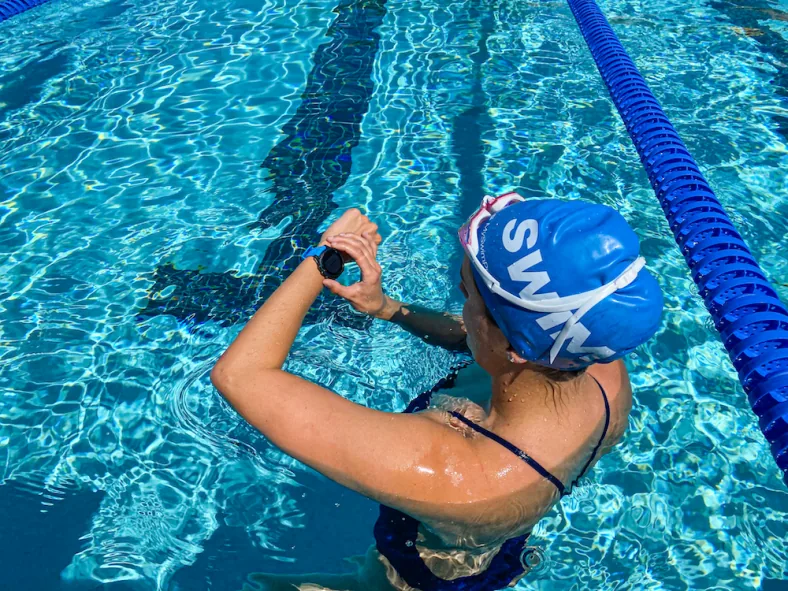
Pool laps need a pool-length setting. The image illustrates watch setup, not a tested device or screen.
Which watch mode should you use for indoor laps?
Choose the pool activity. Garmin’s Forerunner 55 manual describes pool swimming as automatically recording lengths and swim intervals after you select a pool size. A length means one trip from one end of the pool to the other.
What is the difference between the two modes?
Pool Swim is the length-based choice for pool sessions; Open Water Swim is the outdoor, open-water choice. Apple lists them as separate workouts and specifically instructs swimmers to set the pool length for Pool Swim.
Choose by where you swim
| Decision | Pool Swim | Open Water Swim |
|---|---|---|
| Intended session | Lengths in a pool | Swimming in open water |
| Indoor lap session | Use this mode | Do not choose for pool laps |
| Setup in the cited Apple guide | Set pool length before Start | Separate workout selection |
Think of open-water mode as the outdoor GPS-style workflow, not a substitute for entering pool length. The supplied pages do not document GPS algorithms or establish open-water support for every Garmin. If you are choosing a device, see our separate Garmin swimming watch guide.
Why does pool length affect distance and pace?
Pool distance depends on how many lengths are recorded and the length assigned to each one. Garmin asks you to select a pool size or enter a custom size, then reuses that setting the next time you start a pool swim.
As an arithmetic illustration, 20 lengths of a 25 m pool equal 500 m. Assigning 50 m to those same 20 lengths gives 1,000 m. For a fixed 10 minutes of swimming, that changes the calculated pace from 2:00 to 1:00 per 100 m; it does not mean you swam faster. This example assumes the length count and time are unchanged.
What should you check before starting?
Mode choice and rest timing are separate decisions. For more on that distinction, read Auto Rest versus manual rest. A wrong pool size calls for correcting the setting, not switching to open-water mode.
Does an AquaPlan export change which mode you need?
AquaPlan’s structured workout exports are pool-workout logic: repeat distances and rest timing describe the planned session, even when you later log it on a watch. Planning a workout and recording the completed swim are separate tasks. An export does not turn indoor laps into an open-water session or prove watch compatibility.
Set up your session in the free workout builder , then check the Garmin workout guide for the transfer workflow. Confirm supported workouts and controls for your model; the two sources below are not an AquaPlan compatibility list.
Mode decision
For indoor laps, choose Pool Swim.
Confirm the pool length and your rest controls before starting. Reserve Open Water Swim for an open-water session on a watch that supports it.
Frequently Asked Questions
Should I use Pool Swim for indoor laps on Apple Watch?
Does a Garmin remember the last pool length?
Is a pool length the same as a there-and-back lap?
What evidence supports this advice?
Sources checked September 17, 2026: Garmin’s Forerunner 55 manual and Apple’s swimming user guide. Limitations: this is a documentation-based explanation, not first-hand testing; controls, GPS behavior and imported-workout support require confirmation for your watch and software. No device-wide accuracy claim is made.
- Garmin Forerunner 55 manual: swim terminology, pool size and rests
- Apple Watch User Guide: go for a swim
Automated editorial check (daily-ai-v1): this article was authored using AI and checked through an automated editorial process. No human expert review is claimed.
Article publisher
Published and maintained by AquaPlan. The article above identifies its evidence sources and automated editorial process; no human expert review is claimed.